Finding a grip that stays put through twists, drops, and quick grabs is essential for modern smartphone users. As phones get larger and heavier, the risk of accidental slips increases, making a reliable magnetic grip a crucial accessory. These five options mix MagSafe versatility with sturdy hinges and precise alignment, so your phone won’t slip at the worst moments. From 360° rotation to rugged kickstands, each model aims for reliability—yet the right choice depends on your grip style and everyday uses. Whether you need a photography aid, a desktop stand for video calls, or a simple loop for security, there is a specific design for you. Curious which one fits your routine and keeps momentum without sacrificing comfort? Let’s explore the top contenders.
Magtame MagSafe Phone Stand Grip with 360° Rotate

The Magtame MagSafe Phone Stand Grip is engineered for users who demand versatility without bulk. Looking for a MagSafe grip that doubles as a stand you can twist to the perfect angle? This device combines a secure MagSafe grip, an adjustable stand, and a portable holder in one slim base. It addresses the common complaint of bulky pop-sockets by maintaining a sleek profile that slides easily into pockets.
Built with a powerful N52 magnet, it delivers reliable holds that resist shaking, prevents drops during commute or travel, and enables hands-free viewing for work and entertainment. The standout feature is its mechanical flexibility: enjoy 360° rotation and a 180° flip arm. This allows for precise angles in both portrait (ideal for FaceTime and TikTok) and landscape (perfect for YouTube and Netflix) modes. Ultra-slim at just 2 mm, it stays pocket-friendly, featuring durable aluminum construction and a chic black finish that complements premium phone designs. When you need to charge, simply detach it for wireless charging, then reattach it in seconds.
MagSafe Ring Grip with Adjustable Kickstand for iPhone/Samsung

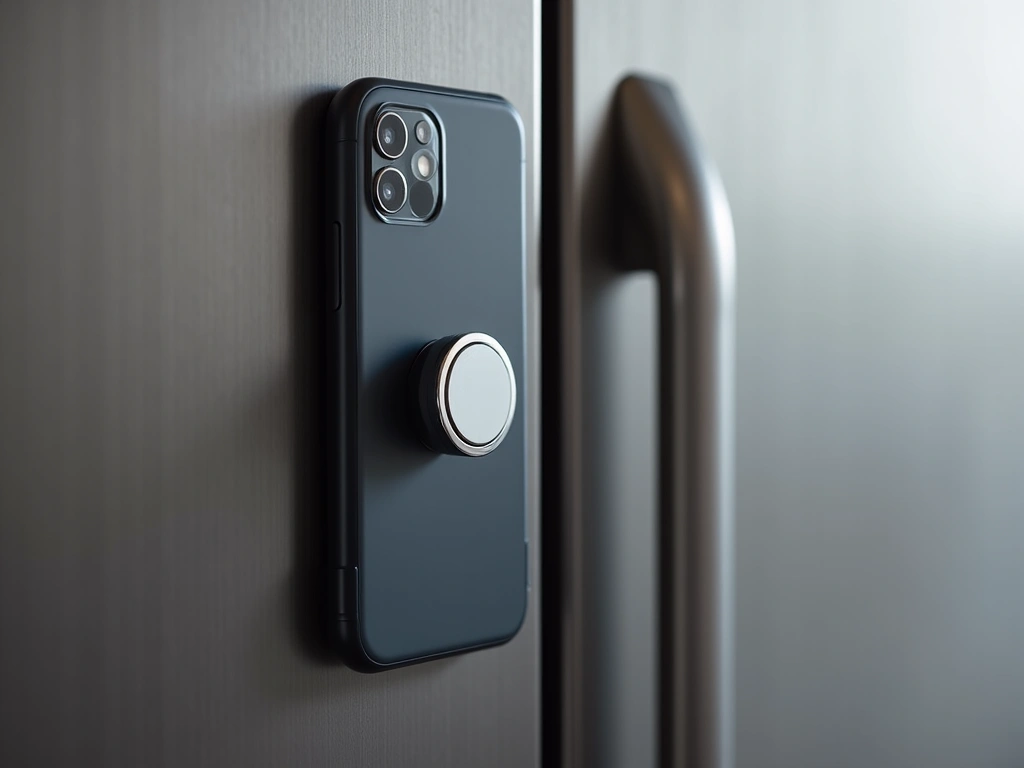
If you want a MagSafe-ready grip that doubles as a kickstand and works with non-MagSafe phones, this MagSafe Ring Grip stands out with its innovative two-sided magnet system. While most grips only attach to the phone, this model allows you to stick your phone to magnetic surfaces like gym equipment, refrigerators, or car mounts, turning your device into a hands-free display anywhere.
You get ultra-strong N52 magnets for a secure hold, plus an included metal ring that boosts magnetism up to five times for non-MagSafe devices or standard cases. The dual-sided design is a game-changer for content creators and fitness enthusiasts who need to mount their phones on metal surfaces. It offers 360° rotation and a 180° flip, along with a foldable kickstand for hands-free viewing. Durability is a key focus here; the hinge has been tested for 40,000 folds, ensuring it won’t become loose over time. Snap-on compatibility spans many iPhone and Samsung models, making it a versatile choice for multi-device households.
andobil MagSafe Finger Strap Phone Ring Holder (Deep Blue)

The andobil MagSafe Finger Strap Phone Ring Holder (Deep Blue) is the best choice if you prioritize comfort over long periods of use. Unlike metal rings that can dig into your skin, this model uses a soft, elastic strap. It provides a magnetically secure grip that doubles as a desktop stand, featuring a 1:1 MagSafe alignment for instant attachment.
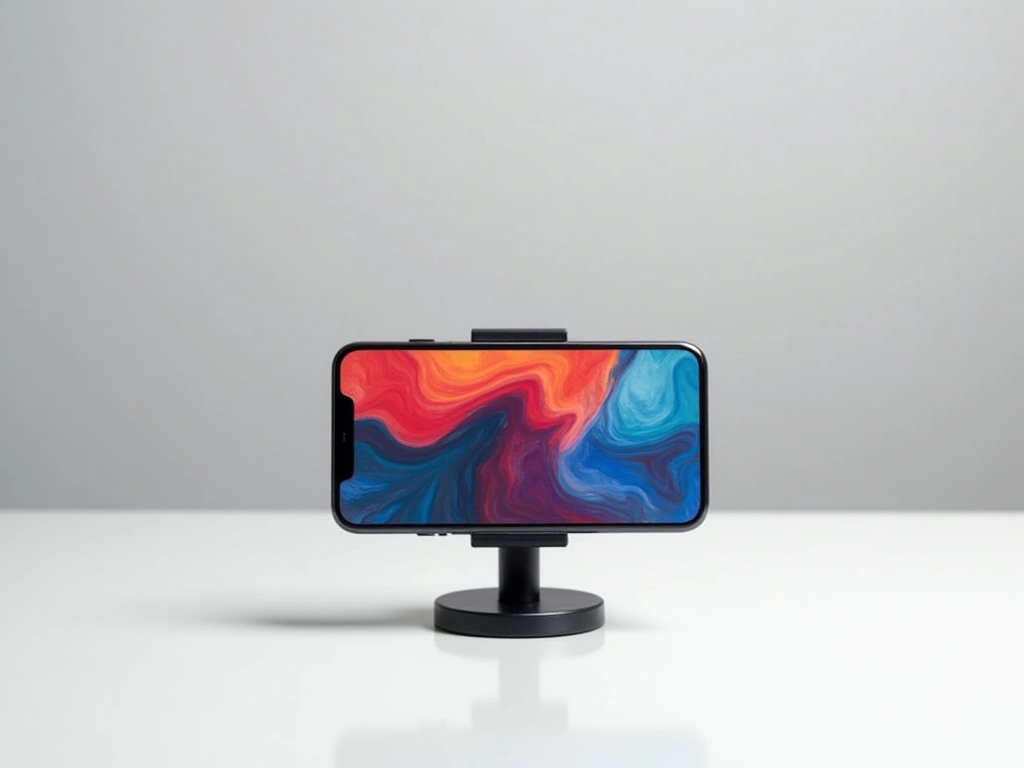
You get a 2025 All-New Magnetic Phone Grip for MagSafe with a Finger Strap, featuring a ComfortDurable design that converts to a desktop stand in one second. The elastic nylon strap is soft, high-elastic, and resilient, keeping your phone secure yet comfortable during marathon scrolling sessions or long calls. With 25 NdFeB magnets arranged in a precise array, it delivers up to 3.5 kg of holding force, ensuring your expensive device never detaches accidentally. It also includes rings for non-MagSafe cases, expanding its compatibility. The manufacturer backs this reliability with a robust 36 months warranty.
iPhone 15 Pro Case with MagSafe, Red, Grip

For iPhone 15 Pro users who want an all-in-one solution rather than a detachable accessory, the iPhone 15 Pro Case with MagSafe in Red delivers exceptional utility. This 6.1-inch case combines military-grade drop protection with a built-in grip mechanism, eliminating the need to carry separate accessories. It uses a premium PC back and soft TPU sides that resist fingerprints and wipe clean easily, maintaining a fresh look.
It features an invisible magnetic O-Ring stand that sits flush with the case when not in use. This ring is adjustable from 40° to 120° for steady viewing and doubles as a secure ring holder for your finger. With 24 N52 magnets embedded directly into the case, it attaches firmly to MagSafe accessories and supports third-party Qi chargers without needing to remove the case. Compatible only with the iPhone 15 Pro 6.1″, it also features raised bezels to guard the camera lenses and screen against scratches.
MagSafe Phone Grip & Kickstand 4-in-1 Holder (2025)

Powered by a versatile 4-in-1 MagSafe design, the MagSafe Phone Grip & Kickstand (2025 model) is your best pick if you want a single, secure solution that acts as a grip, loop, stand, and strap all in one. It is designed for heavy-duty users who need maximum security; the grip delivers about 5.5 lbs of magnetic force, which is significantly higher than standard magnetic wallets or grips.
It is compatible with iPhone 12–17 series using MagSafe cases or bare phones. The 360° kickstand and 50,000-fold durability rating support hands-free viewing in any orientation. Unlike rigid rings, this model features an adjustable Velcro strap that ensures a secure, comfortable fit for any finger size. Wireless charging remains possible by simply sliding the grip off the magnetic base. A worry-free 18-month warranty is included, making it a safe investment for long-term use.
Factors to Consider When Choosing Magnetic Phone Grip Stands

Choosing the right MagSafe accessory goes beyond just aesthetics. To ensure you get a product that protects your device and enhances your workflow, consider these critical technical factors.
Magnetic Strength and Stability
The most important feature of any MagSafe grip is the Magnetic Strength Balance. You need a grip that utilizes N52 or N54 grade neodymium magnets. These provide enough force (usually measured in grams or pounds) to hold the weight of a Pro Max iPhone model even during sudden movements. However, the magnet shouldn’t be so strong that it pulls the case off your phone when you try to detach it. Look for products that specify a holding force of at least 1,000g to 3,000g for optimal security.
Compatibility Scope
Check the Compatibility Scope carefully. While MagSafe is standard on iPhone 12 and newer, the case you use matters immensely. The grip will only work effectively if you have a bare iPhone or a MagSafe-certified case containing its own magnet array. Standard silicone or plastic cases will block the magnetic field, rendering the grip useless. For Android users, ensure the product comes with an adhesive metal ring adapter to make your Samsung or Pixel device compatible.
Stand Adjustability and Ergonomics
Evaluate the Stand Adjustability Range. A good grip should function as a stand in both portrait and landscape modes. Look for hinges that offer friction-stop positioning, allowing you to set the phone at any angle between 40° and 120°. Furthermore, consider the ergonomics of the loop or ring. Soft materials like silicone or nylon straps (as seen in the Andobil model) are generally more comfortable for long-term use than rigid metal rings, which can cause finger fatigue or pressure points.
Wireless Charging Compatibility
Finally, consider Charging Compatibility Rules. Most magnetic grips occupy the exact spot needed for wireless charging. If you rely on Qi or MagSafe charging daily, you must choose a grip that is easily detachable (pop-on, pop-off). Some integrated case-grips allow charging through the case, but most standalone grips must be removed. Check if the removal process is smooth or if it requires prying, which can be frustrating over time.
Frequently Asked Questions
Do MagSafe grips work with all phone cases?
No, MagSafe grips do not work with standard, non-magnetic cases. The case must be specifically marked as “MagSafe Compatible” or have a built-in magnetic ring. If you use a thick rubber or plastic case without magnets, the magnetic force will be too weak to hold the grip securely, leading to potential drops.
Can I use wireless charging while the grip is attached?
In most cases, you cannot wirelessly charge while the grip is attached because the grip creates too much distance between the charger and the phone’s coil. However, the advantage of MagSafe grips is that they are magnetically attached, not glued. You can simply snap the grip off, charge your phone, and snap it back on when finished.
Will the magnets damage my credit cards?
Modern credit cards with chips are generally safe near phone magnets, but older magnetic strip cards can be demagnetized if placed directly against strong N52 magnets for long periods. It is best to keep magnetic strip cards in a separate wallet or use a shielded MagSafe wallet accessory instead of a simple grip if you carry cards with your phone.
Are these grips compatible with Android phones?
MagSafe is an Apple-proprietary technology, but Android phones can use these grips if you attach a metal magnetic ring to the back of the phone or case. Many of the products listed above, such as the MagSafe Ring Grip, include these adhesive rings in the box to enable compatibility with Samsung, Google Pixel, and other devices.