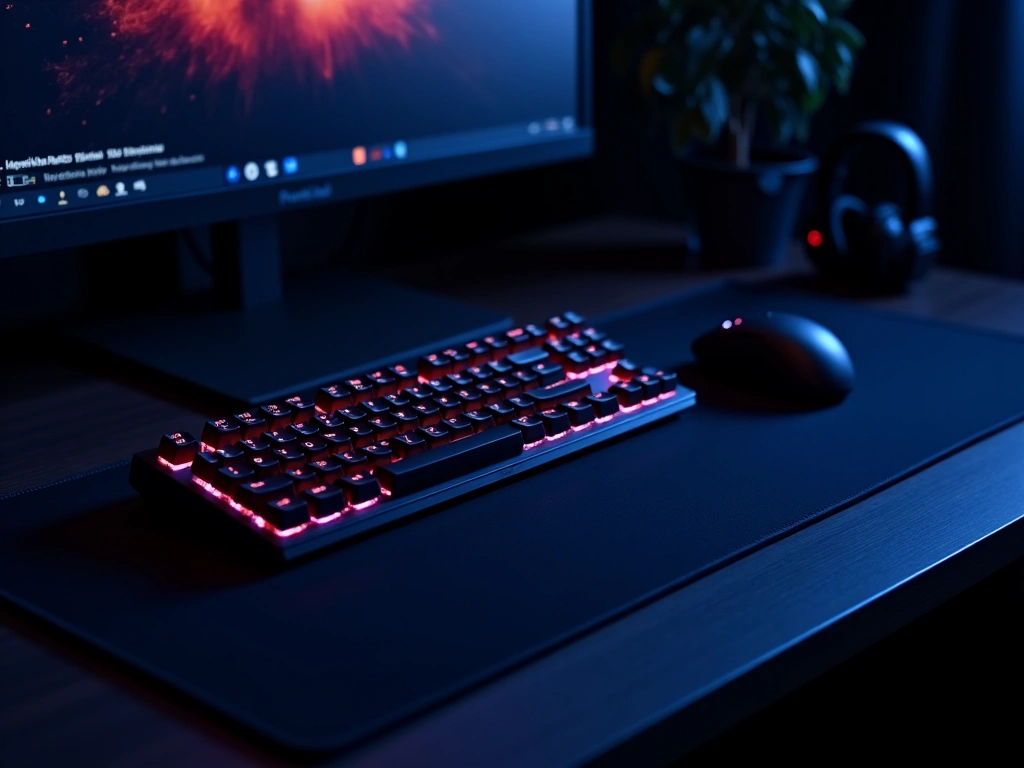
Optimizing your workspace often starts with the centerpiece of your desk: the keyboard. Compact mechanical keyboards have evolved from niche enthusiast gadgets into essential tools for productivity and gaming. By removing the number pad or navigation cluster, these boards allow you to bring your mouse closer to your center line, improving ergonomics and reducing shoulder strain. Whether you are looking for a 75% layout that retains function keys, a streamlined 60% board for pure portability, or a 96% layout that keeps the number pad in a smaller footprint, modern options offer incredible versatility.
Today’s market is filled with high-performance features previously reserved for custom builds. You can now easily find gasket-mounted structures for a softer typing feel, hot-swappable PCBs that let you change switches without soldering, and durable doubleshot PBT keycaps that resist oil and shine. Wireless connectivity has also seen major upgrades, with many boards offering tri-mode connections (Bluetooth, 2.4 GHz, and USB-C) to seamlessly switch between laptops, tablets, and desktops. Below, we analyze the top compact models that balance price, performance, and build quality.
| Nuphy Air75 V3 Wireless Mechanical Keyboard (84 Keys) |  | Best All-Around | Layout: 75% | Connectivity: Bluetooth + 2.4 GHz + USB-C | Backlighting: Backlight support with adjustable effects | VIEW LATEST PRICE | Read Our Analysis |
| Logitech G413 TKL SE Mechanical Keyboard (Black) |  | Premium Compact | Layout: TKL (Tenkeyless) | Connectivity: Wired USB-C | Backlighting: White LED lighting | VIEW LATEST PRICE | Read Our Analysis |
| MageGee 60% Mechanical Gaming Keyboard MK-Box 68 Keys |  | Tiny That Delivers | Layout: 60% | Connectivity: Wired USB | Backlighting: Classic blue LED backlit | VIEW LATEST PRICE | Read Our Analysis |
| Redragon K673 Pro 75% Wireless Mechanical Keyboard with Knob |  | Quiet Tech Power | Layout: 75% (with top function keys zone) | Connectivity: USB-C + Bluetooth + 2.4 GHz | Backlighting: RGB gasket RGB lighting | VIEW LATEST PRICE | Read Our Analysis |
| Wireless Mechanical Keyboard with Hot-Swappable Switches (Blue White) |  | Ultimate Portability | Layout: 96% layout | Connectivity: Bluetooth + 2.4 GHz + USB wired | Backlighting: 18 LED lighting modes | VIEW LATEST PRICE | Read Our Analysis |
More Details on Our Top Picks

-
Nuphy Air75 V3 Wireless Mechanical Keyboard (84 Keys)
The Nuphy Air75 V3 is a standout choice for users who need portability without sacrificing the tactile satisfaction of a mechanical board. Its ultra-slim profile is achieved through low-profile mechanical switches and keycaps, making it easy to slide into a backpack or laptop sleeve. Despite its thinness, it features a sophisticated gasket mount design, which uses silicone pads to isolate the plate from the case, resulting in a cleaner sound and softer typing feel that is rare in low-profile boards.
Connectivity is a major strength here, with a 4000 mAh battery supporting long wireless sessions over Bluetooth 5.1 or a low-latency 2.4 GHz connection. The keyboard supports QMK/VIA (or NuPhy’s proprietary software depending on firmware), allowing for deep customization of keymaps and macros. The doubleshot PBT keycaps are textured to prevent finger oils from making them slippery, ensuring the board looks new even after months of heavy daily use.
- Layout: 75% (84 Keys)
- Connectivity: Bluetooth 5.1 + 2.4 GHz + USB-C
- Backlighting: RGB with adjustable effects
- Keycaps: Low-profile Doubleshot PBT
- Switch Type: Low-profile Mechanical (Hot-swappable)
- Battery: 4000 mAh
- Special Feature: Gasket Mount Structure
-
Logitech G413 TKL SE Mechanical Keyboard (Black)
The Logitech G413 TKL SE strips away unnecessary frills to focus on durability and core performance. Built with a black-brushed aluminum-magnesium alloy top case, this keyboard offers a rigid, premium feel that exhibits zero flex during intense typing or gaming sessions. It utilizes a Tenkeyless (TKL) layout, which removes the number pad but keeps the arrow keys and navigation cluster exactly where traditional typists expect them to be.
One of the most significant upgrades in this “SE” model is the inclusion of PBT keycaps, which are far more heat- and wear-resistant than standard ABS caps. The tactile mechanical switches provide subtle feedback upon actuation, making them suitable for open office environments where loud clicking might be distracting. While it lacks RGB, the crisp white LED backlighting is functional and professional, perfect for late-night work or dimly lit gaming setups.
- Layout: TKL (Tenkeyless)
- Connectivity: Wired USB 2.0
- Backlighting: White LED
- Keycaps: PBT heat-resistant caps
- Switch Type: Tactile Mechanical
- Build Material: Aluminum-Magnesium Alloy
- Anti-Ghosting: 6-Key Rollover
-
MageGee 60% Mechanical Gaming Keyboard MK-Box 68 Keys
For those with limited desk real estate, the MageGee MK-Box offers an ultra-compact solution. This is a 60-65% layout, meaning it condenses the arrow keys and navigation functions into a tighter grid or secondary layers. This design frees up significant space for mouse movement, which is particularly beneficial for FPS gamers who play at low sensitivities. The dual-color keycap design adds a unique aesthetic flair right out of the box.
Despite its budget-friendly price point, the MK-Box delivers a solid mechanical experience with options for clicky (Blue) or linear (Red) switches. The detachable USB-C cable makes it easy to pack up and travel with, preventing cable strain at the connection port. While the backlighting is a single color (often blue), it supports multiple lighting modes and brightness levels, allowing for some visual customization without the complexity of full RGB software.
- Layout: 60-65% Compact
- Connectivity: Wired USB-C (Detachable)
- Backlighting: Single Color LED (Blue)
- Keycaps: Dual-color ABS
- Switch Type: Mechanical (Blue/Red options)
- Portability: High (Small footprint)
- Compatibility: Windows/Mac/Linux
-
Redragon K673 Pro 75% Wireless Mechanical Keyboard with Knob
The Redragon K673 Pro brings enthusiast-level features to a mainstream audience. Its headline feature is the gasket-mounted structure, which uses flexible materials to suspend the plate, significantly reducing hollow pinging sounds and creating a “thocky” typing acoustic. The 75% layout is efficient, retaining the F-row keys, and it includes a dedicated rotary knob for instant volume or media control—a feature often missing on smaller boards.
Versatility is key with the K673 Pro. It offers tri-mode connectivity (Bluetooth, 2.4 GHz Wireless, and Wired USB-C), allowing you to connect to up to five devices. The PCB is hot-swappable, supporting both 3-pin and 5-pin switches, so you can customize the feel without soldering. Combined with sound-absorbing foam and vibrant RGB lighting, this keyboard offers a highly customizable platform for both gamers and typists.
- Layout: 75% with Rotary Knob
- Connectivity: 3-Mode (BT/2.4G/Wired)
- Backlighting: RGB with Software Support
- Mounting: Gasket Mount
- Switch Type: Linear Red (Hot-swappable)
- Battery: 3000 mAh
- Sound Dampening: Included sound-absorbing foam
-
Wireless Mechanical Keyboard with Hot-Swappable Switches (Blue White)
This keyboard targets users who need the data-entry power of a number pad but still want a compact form factor. It utilizes a 96% layout (often around 100 keys), which squeezes the number pad directly next to the main typing area, eliminating the dead space found on full-sized boards. This design is approximately 20% smaller than a standard keyboard while retaining full functionality for spreadsheets and productivity tasks.
The board features hot-swappable sockets, allowing you to easily replace switches if one fails or if you simply want to try a different typing feel. With tri-mode wireless connectivity, you can keep your desk wire-free while switching between a work laptop and a personal PC. The PBT keycaps in a stylish blue-and-white colorway offer excellent durability, and the 18 pre-set RGB lighting modes allow you to match the board to your setup’s aesthetic.
- Layout: 96% (Compact Full-Size)
- Connectivity: Bluetooth + 2.4 GHz + Wired
- Backlighting: 18 RGB Modes
- Keycaps: PBT Ball Cap Profile
- Switch Type: Hot-swappable Mechanical
- Battery: Rechargeable
- Best For: Productivity & Data Entry