The Evolution of Running Tech: Moving Beyond Basic Tracking
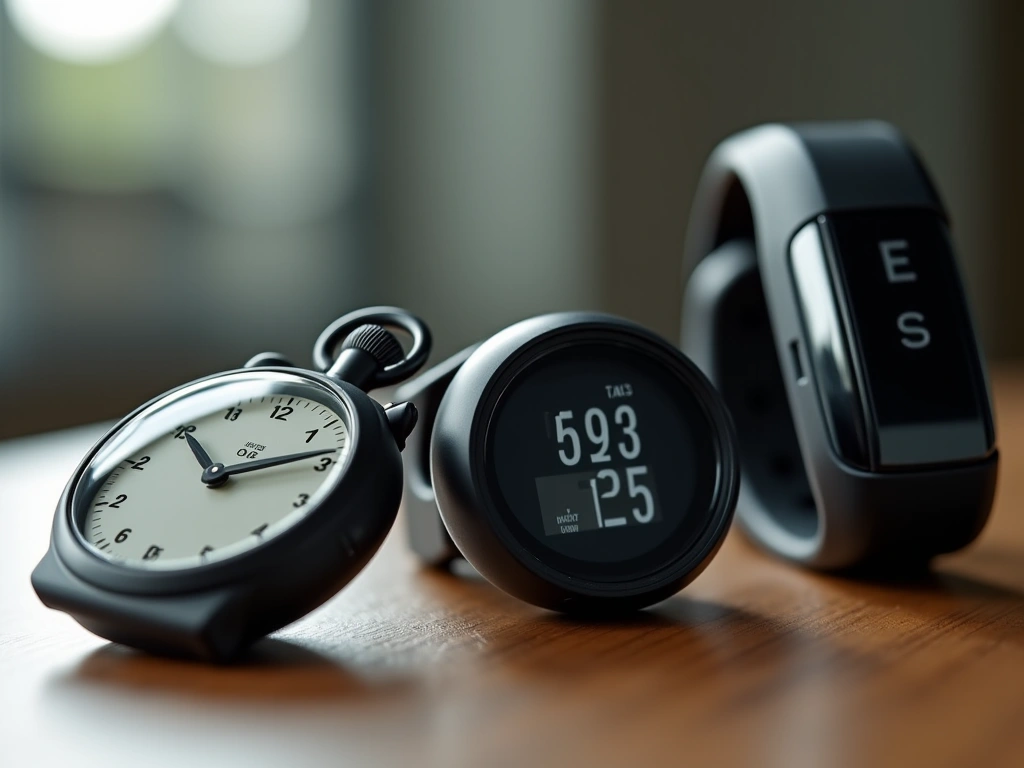
I have been a dedicated runner for nearly 15 years. Over that time, I have witnessed the evolution of running technology firsthand. My journey started with simple stopwatches and evolved into using almost every product available on the market.
I have tested foot pods, heart rate monitors, and various generations of GPS devices. For a long time, my go-to device was the Garmin 406. Garmin has historically been a reliable partner in my training, offering robust data tracking and an extensive website backend similar to what Nike offers.
However, as technology advances, so do our expectations for design and usability. When it was time to retire my trusty Garmin, I found myself looking for something that offered a different experience. I wanted a device that felt less like a computer strapped to my wrist and more like a seamless part of my running gear.
Design and Aesthetics: Breaking the Mold
One significant issue I found with earlier GPS watches, particularly from Garmin, was their aesthetic appeal. Many of their legacy models were purely functional, often resulting in bulky, utilitarian designs that looked out of place outside of a training session.
I have always gravitated toward Nike products, from apparel to footwear. Naturally, I was intrigued by the Nike+ SportWatch, although I harbored some initial skepticism. Nike was a giant in sportswear but a relative newcomer to the dedicated hardware gadget market compared to tech giants like Garmin or Polar.
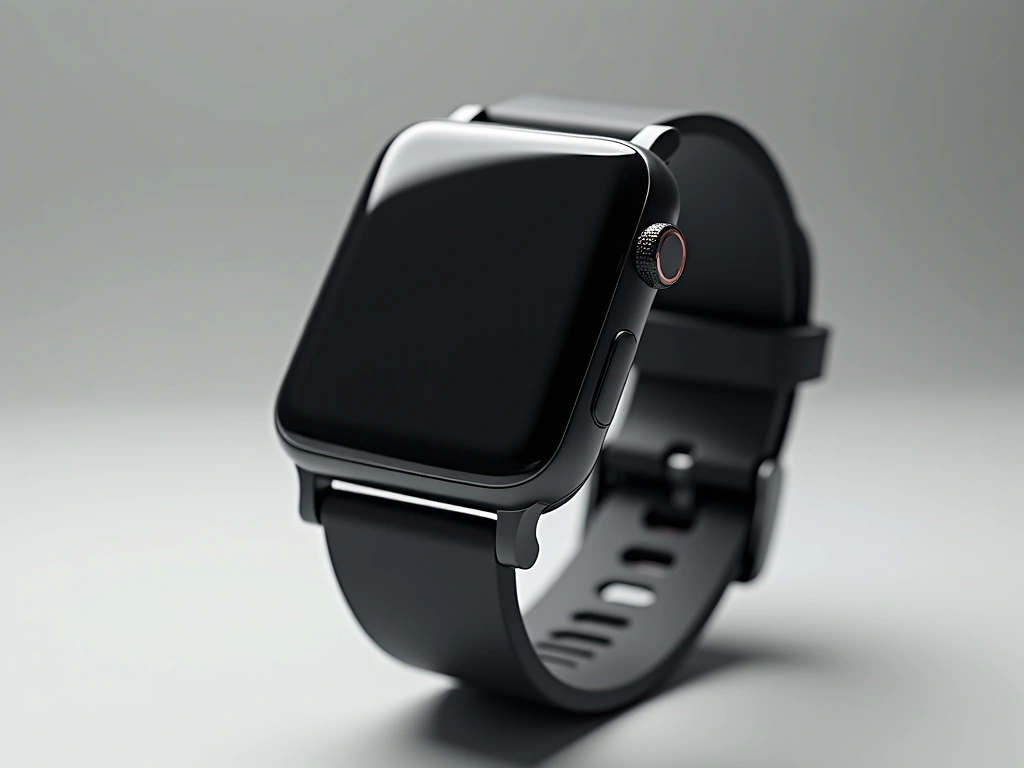
Despite my hesitation, the design philosophy of the Nike+ SportWatch won me over. It features a sleek, integrated strap design that reduces the visual bulk common in GPS watches. The high-contrast display and the bold colorways make it a statement piece rather than just a tool. It bridges the gap between a lifestyle watch and a performance tracker.
GPS Accuracy and the Foot Pod Advantage
A common concern with GPS watches is signal reliability. Urban environments with tall buildings or trails with heavy tree cover can often interfere with satellite reception. This is where the Nike+ ecosystem truly shines.
I utilize the Nike+ sensor in conjunction with the watch’s built-in GPS. While I use a Nike+ ready Lunar Glide shoe which houses the sensor in a dedicated pocket under the sock liner, the system is versatile. A friend of mine successfully ties his sensor to the laces of his Asics, proving you don’t need specific footwear to benefit from the technology.
It is important to note that you do not strictly need the shoe sensor. The GPS on the watch functions perfectly fine on its own for outdoor runs. However, combining the two technologies results in a significant boost in data integrity.
When both are in use, the accuracy improves tenfold. If the GPS signal drops while running through a tunnel or under dense foliage, the foot pod instantly takes over to track distance and pace based on your stride. This “sensor fusion” ensures there are no gaps in your run data.
User Interface: The One-Button Experience
Simplicity is key when you are exhausted at the end of a long run. The user interface on this watch is designed with that in mind. The navigation relies heavily on a large, distinct green button located on the side of the device.
Getting started is incredibly efficient. When you are ready to run, you simply hold the green button for three seconds. In my experience, the GPS receiver—powered by TomTom technology—is remarkably fast.
It typically picks up the satellite signal and links with the shoe sensor within five seconds. I have found this to be consistent without fail. Once the link is established, you are ready to go immediately.
Display Customization and Data Feedback
The screen layout is designed for quick readability. The largest portion of the screen is dedicated to your primary metric. I prefer to keep track of my total distance, so I have configured the main display to show miles run.
This primary field is large and bold, making it easy to read at a glance without breaking your stride. You can customize this field via the desktop software if you prefer to see pace or time as your main metric.
The top half of the screen is smaller but highly functional. It displays secondary metrics such as current pace, speed (mph), time of day, elapsed time, and calories burned. You have two options for viewing this data.
You can manually scroll through these metrics using the side buttons, or you can set the watch to “auto-scroll.” The auto-scroll feature cycles through your chosen data points automatically, which is excellent for hands-free monitoring during intense intervals.
It is worth noting that setting up the auto-scroll function and selecting which metrics appear in the rotation must be done through the computer software. It cannot be adjusted mid-run on the watch itself.
The “Tap” Feature: Innovation and Usability
One unique feature of the Nike+ SportWatch is the backlight activation. Instead of a dedicated light button, the watch utilizes an internal accelerometer. To activate the backlight for early morning or night runs, you tap the screen.
This is the only area where I have found a slight “con” in the design. The tap recognition requires a specific amount of force. You really have to tap it hard and fast to trigger the light.
According to Nike, this sensitivity calibration is intentional. It is designed to prevent accidental activation, which would drain the battery unnecessarily. While it takes some getting used to, it eventually becomes second nature to give the screen a firm tap to check your stats in the dark.
Connectivity and Data Analysis
The watch features a unique USB connector built directly into the end of the strap. This eliminates the need for a separate charging cable, which is a massive convenience for travel. You simply plug the watch directly into your computer’s USB port to upload data and charge the battery.
Once plugged in, the Nike Connect software uploads your run data to the Nike+ ecosystem. This platform allows you to visualize your route on a map, track your elevation, and monitor your pace consistency over the duration of the run. The gamification elements, such as earning “NikeFuel,” add a layer of motivation that keeps you engaged with your training.
Final Verdict
Transitioning from a dedicated GPS giant like Garmin to a lifestyle-focused brand like Nike was a risk, but it paid off. The Nike+ SportWatch GPS offers a compelling blend of style and substance.
For runners who value accuracy, the combination of GPS and foot pod tracking provides reliable data in all environments. The display is clear, the interface is simple, and the design is comfortable enough for daily wear.
If you are looking for a device that simplifies the running experience while providing deep data analysis through a robust online platform, this watch is a strong contender. It strips away the complexity of older GPS units and replaces it with a streamlined, user-friendly experience.